We’ve all been there: you need to perform a simple task—like combining two PDF invoices or compressing a scanned document—so you upload it to a random online PDF converter.
Halfway through, you get hit with:
- “You’ve reached your free daily limit of 2 documents.”
- “Please sign up for a monthly trial to unlock page rotation.”
- Or worse, the uneasy realization that you just uploaded sensitive personal documents, bank statements, or contracts to an unknown server.
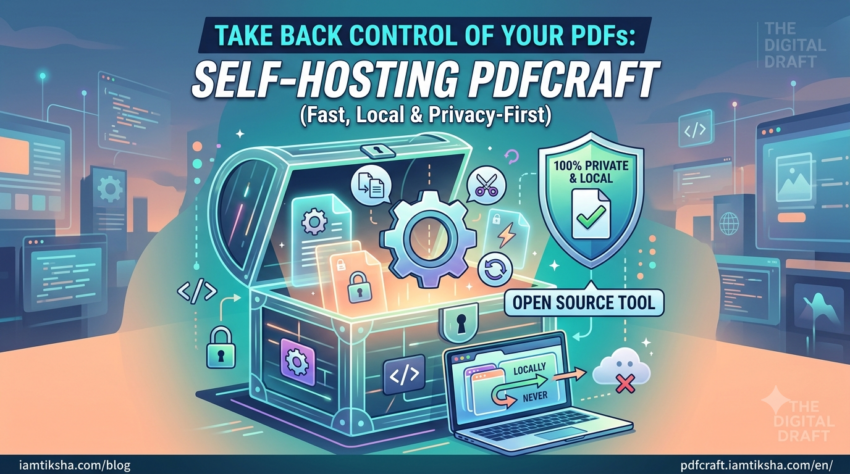
Instead of relying on commercial web services that track your usage or charge subscriptions, I decided to host a self-contained instance of PDFCraft—an amazing open-source project designed to handle all your daily PDF tasks privately and instantly.
What Makes PDFCraft Different?
Most mainstream online tools ship your files off to cloud servers where they get converted and sent back. PDFCraft is an open-source tool that works entirely inside your browser using local JavaScript execution.
- 100% Client-Side Privacy: Your PDF files never leave your computer or phone. The processing happens locally in your browser memory—even on this hosted instance.
- Open-Source Transparency: Built and maintained by the open-source community (GitHub Repository), meaning the code is completely transparent, secure, and free from hidden tracking scripts.
- No Arbitrary Limits: Merge as many pages as you want, convert images, or compress files without hitting paywalls or daily caps.
- Lightning Fast: Because there is no network transfer delay for multi-megabyte files, tools respond almost instantly.
Key Features at a Glance
- Merge & Split: Drag and drop multiple files to stitch them together or extract specific pages in seconds.
- Compress & Optimize: Reduce bloated file sizes without sending confidential data across the internet.
- Organize & Rotate: Reorder pages, rotate misaligned scans, or delete unwanted blank pages easily.
- Convert: Easily convert images and other document formats to clean PDFs.
Why Host Open-Source Web Tools?
As part of my ongoing experiments running self-hosted applications and practical life tools, web-based local utilities represent the sweet spot of modern web development: lightweight static sites that leverage the client’s browser for processing.
Hosting open-source tools like PDFCraft gives my site visitors access to secure utilities without compromising their privacy or handing over data to corporate converters.
Try It Out
The self-hosted instance is live and free to use:
If you like the tool, consider starring the original repository on GitHub to support the open-source creators!