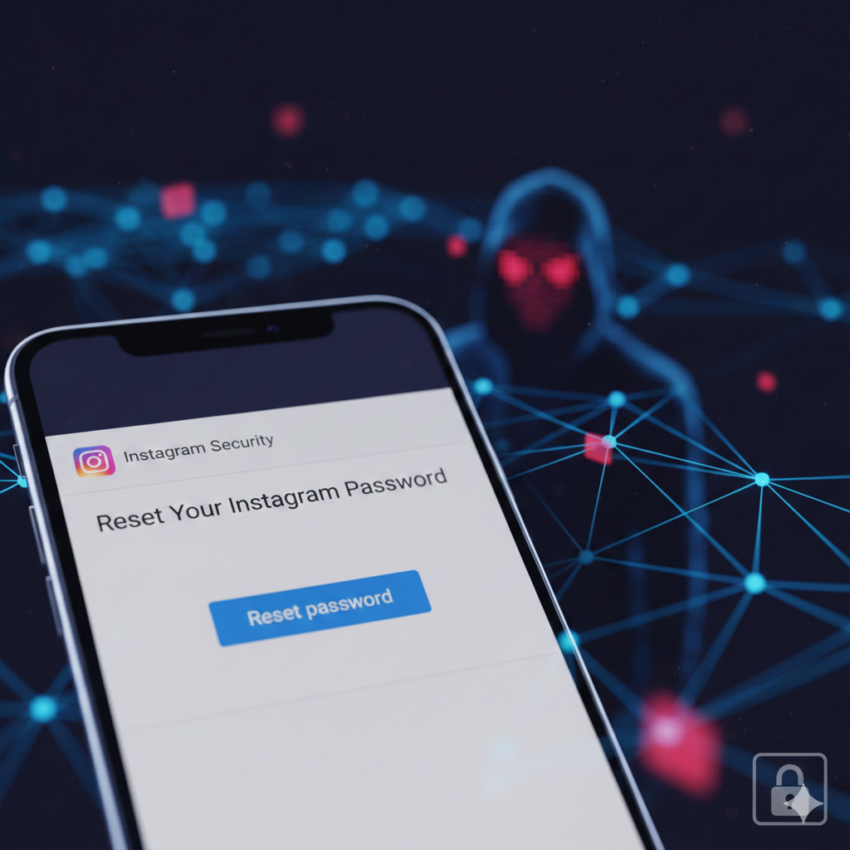
If you’ve checked your inbox lately and seen a “Reset Your Password” email from Instagram that you didn’t ask for, you aren’t alone. Millions of users worldwide have been reporting the same thing since January 8, sparking fears of a massive hack.
Here is the simple breakdown of what happened, what Meta (the company that owns Instagram) says, and how you can stay safe.
What Happened?
The confusion started when a cybersecurity firm called Malwarebytes reported that data from about 17.5 million Instagram accounts was being sold on the “dark web.” They claimed this data which included usernames, emails, and phone numbers was stolen using a technical loophole in 2024.
Around the same time, people started getting flooded with legitimate password reset emails. Naturally, many users worried that hackers were trying to break into their accounts.
What Does Instagram Say?
On January 11, Meta stepped in to clear the air. They admitted there was a technical glitch, but they denied that their systems were hacked.
According to Meta:
- No Breach: Their internal systems were not broken into.
- The Emails Were a Bug: A technical “issue” allowed outsiders to trigger those reset emails for other people, but it didn’t give them access to the accounts.
- Your Account is Safe: Meta says you can simply ignore those emails and apologize for the scare.
Why the Mixed Messages?
While Meta says everything is fine, cybersecurity experts are still a bit cautious. Even if Instagram’s main systems weren’t “hacked,” the fact that 17.5 million pieces of user info are floating around means scammers might try to use that data for phishing (tricking you into giving up your password).
3 Steps to Protect Your Account
Even if Meta says there is no danger, it is always a good time for a “security tune-up.” Here is what experts recommend:
- Use an Authenticator App: Instead of getting a text code (SMS) to log in, use an app like Google Authenticator. It’s much harder for hackers to bypass.
- Don’t Click Email Links: If you want to change your password, do it inside the Instagram app. Never click a link in an email if you’re feeling suspicious.
- Check Your Logins: Go to your Instagram settings and look at “Login Activity.” If you see a device or location you don’t recognize, log it out immediately.
Bottom Line: You don’t need to panic about the emails, but you should stay alert for suspicious messages or login attempts.
Related: Instapro apk download guid
Sources
- Cashify: Massive Instagram Data Breach Details
- NDTV: 17.5 Million Accounts Compromised Report
- Indian Express: Personal Info Exposed on Dark Web
- Anadolu Agency: API Vulnerability and Identity Theft Risks